
“Galaxy Watch 6 앱 순서 변경하기”
1.홈 화면에서 Wear 앱을 누릅니다.
2.앱스 화면(Apps screen)을 누릅니다.
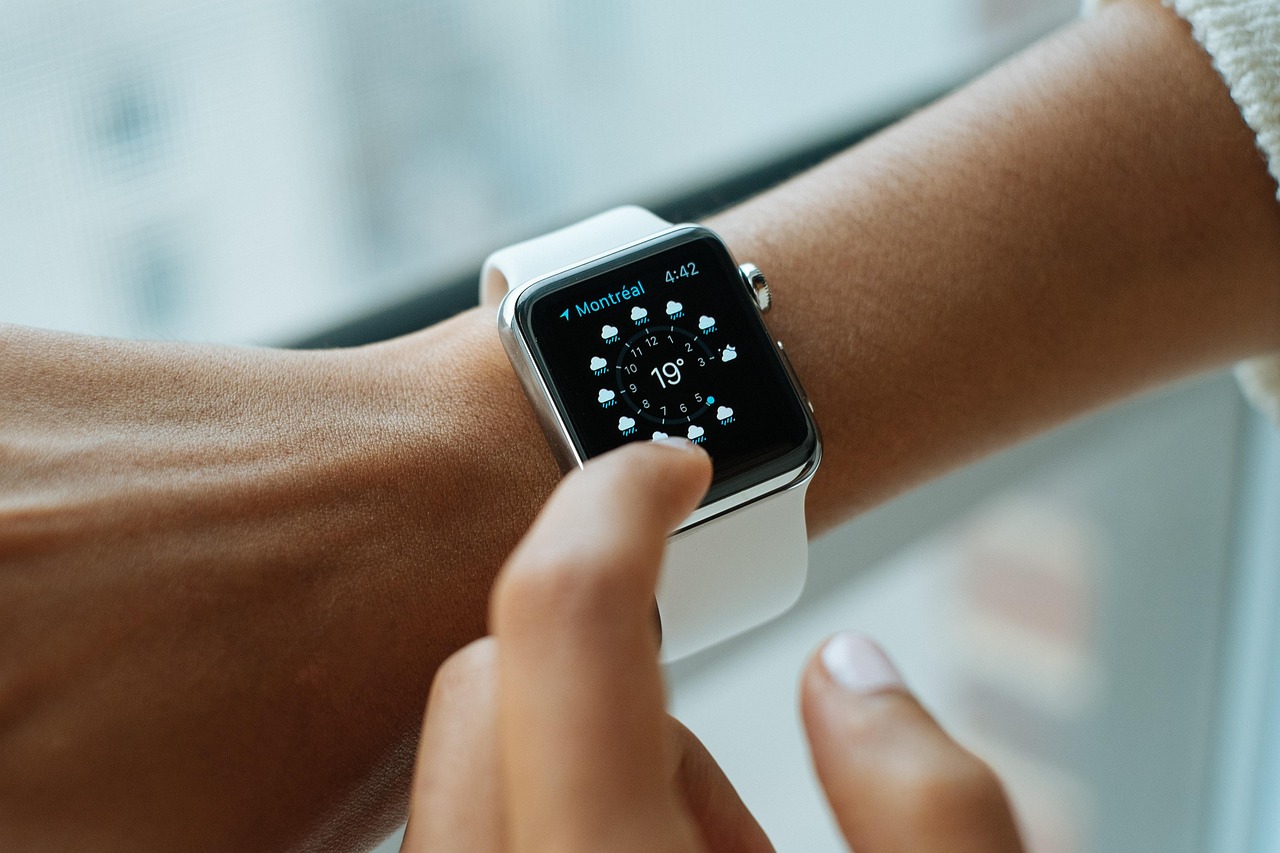
3.앱들의 위치를 바꾸거나 폴더를 만들수 있습니다.
4.다 하신 후에는 꼭 밑에 저장(Save)을 누릅니다.
Discover more from 컴퓨터와 친구들
Subscribe to get the latest posts sent to your email.
1.홈 화면에서 Wear 앱을 누릅니다.
2.앱스 화면(Apps screen)을 누릅니다.
3.앱들의 위치를 바꾸거나 폴더를 만들수 있습니다.
4.다 하신 후에는 꼭 밑에 저장(Save)을 누릅니다.
Subscribe to get the latest posts sent to your email.
 [스] Galaxy Watch 6 화면 디자인 바꾸기