

“메시지에서 멀티미디어 메시지 자동 다운로드 옵션 끄기”
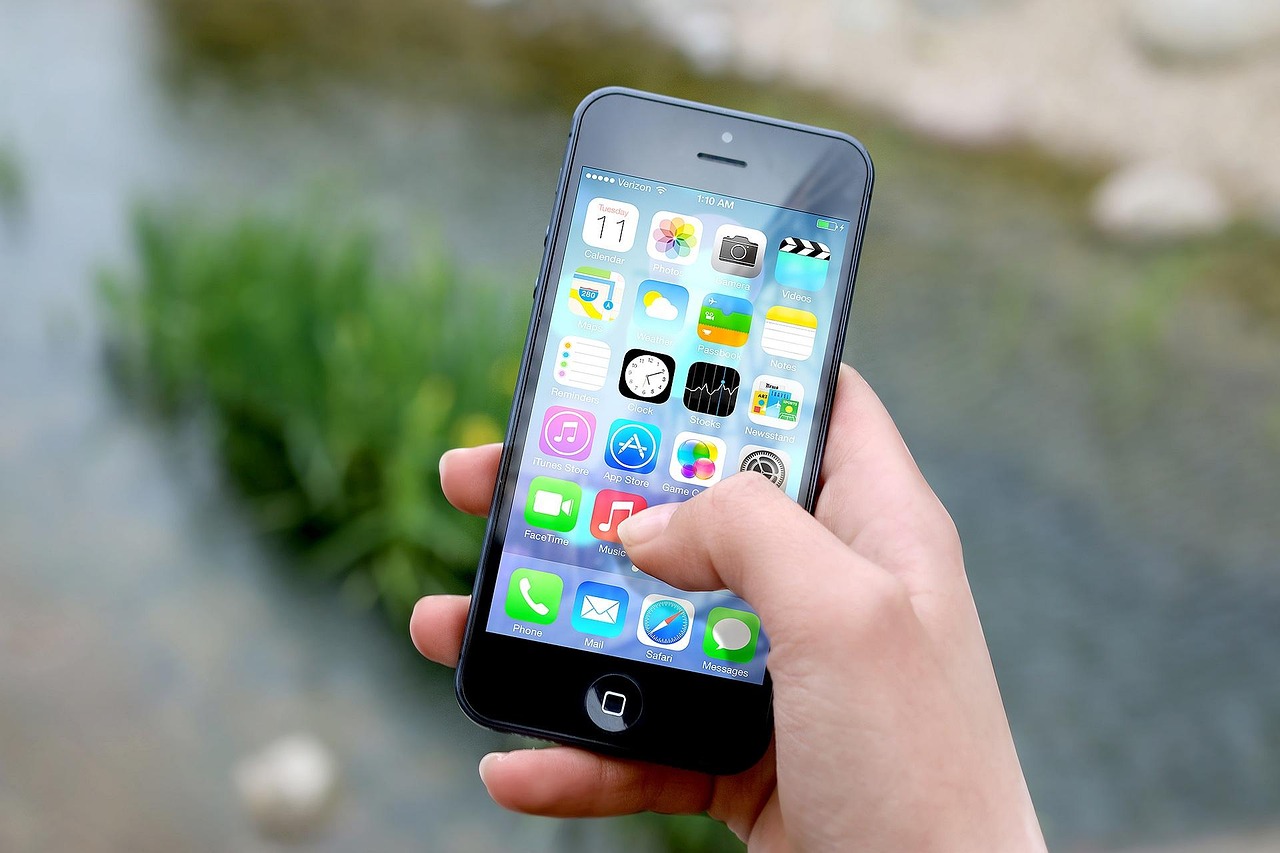
1.홈 화면에서 메시지(Messages)를 누릅니다.
2.오른쪽 중간에 점 3개 버튼을 누릅니다.
3.설정(Settings)을 누릅니다.
4.추가설정(More settings)을 누릅니다.
5.멀티미디어 메시지(Multimedia messages)를 누릅니다.
6.자동 다운로드(Download automatically)를 끕니다.
7.그리고 맨 위에 있는 그룹 옵션도 끕니다.
8.되돌아가기 버튼을 계속 눌러서 홈 화면으로 이동합니다.
Discover more from 컴퓨터와 친구들
Subscribe to get the latest posts sent to your email.